PDF guideAutomation Testing
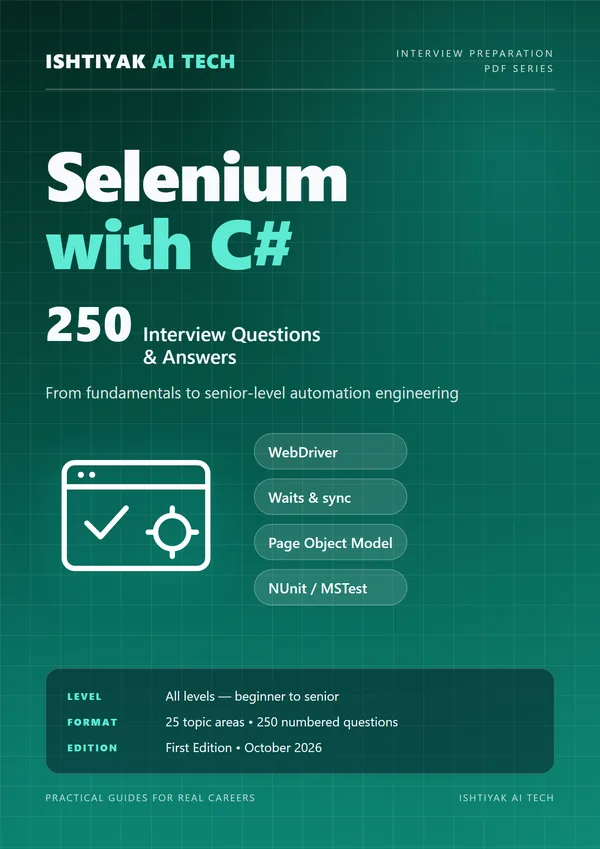
Selenium with C# — 250 Interview Questions & Answers
250 interview questions and answers on Selenium WebDriver with C# — locators, waits, the Page Object Model, NUnit/MSTest, CI/CD and senior-level framework design — with practical examples, coding exercises and troubleshooting cases.
- Questions
- 250 with answers
- Topic areas
- 25
- Level
- All levels — beginner to senior
- Edition
- First Edition • October 2026
₹399
What's inside
25 topic areas, 10 questions each.
- 01Selenium and Web Automation Fundamentals
- 02C# Language Essentials for Selenium
- 03Locators and Element Identification
- 04WebDriver Setup and Browser Management
- 05Waits, Synchronization, and Flakiness
- 06Page Object Model and Framework Design
- 07NUnit, MSTest, and Test Execution
- 08Browser Windows, Frames, Alerts, and Navigation
- 09Actions, JavaScript, and Advanced Interaction
- 10Forms, Tables, and Common UI Widgets
- 11Alerts, Cookies, Storage, and Sessions
- 12Data-Driven Testing and Configuration
- 13Assertions, Reporting, and Diagnostics
- 14CI/CD and Parallel Execution
- 15API, Database, and Hybrid Automation
- 16Security, Accessibility, and Visual Testing
- 17Cross-Browser, Mobile, and Compatibility Strategy
- 18Performance, Reliability, and Test Architecture
- 19Real-World Troubleshooting Scenarios
- 20Senior-Level Design and Leadership Questions
- 21Coding Exercises and Practical Implementation
- 22Logging, Configuration, and Framework Operations
- 23Test Design, Risk, and Coverage
- 24Advanced C# Patterns for Test Engineers
- 25Release Readiness and Continuous Improvement
Sample questions
Excerpts from this guide's answers.
- Q41. What is an implicit wait?
- An implicit wait sets a session-wide timeout for element-location commands. Selenium polls for an element until it appears or the timeout expires. It does not guarantee that an element is visible, enabled, stable, or that an asynchronous business operation is complete.
- Q51. What is the Page Object Model?
- Page Object Model (POM) encapsulates page-specific locators and actions behind a readable API. It reduces duplicated UI mechanics, but should not hide important assertions or create a giant object that owns unrelated workflows.